Most firms think they have a workflow. What they usually have is a spreadsheet with two hundred and fifty recurring tasks on it, and a system for knowing what is done that comes down to changing a cell from red to green.
That works when you have ten clients and everyone sits in the same office. It stops working the moment you have a hundred files and a team spread across time zones. Nobody can see where anything is. The only way to get a status update is to walk down the hall or send a message and wait. And the person carrying the whole thing in their head becomes the single point of failure the day they are out sick.
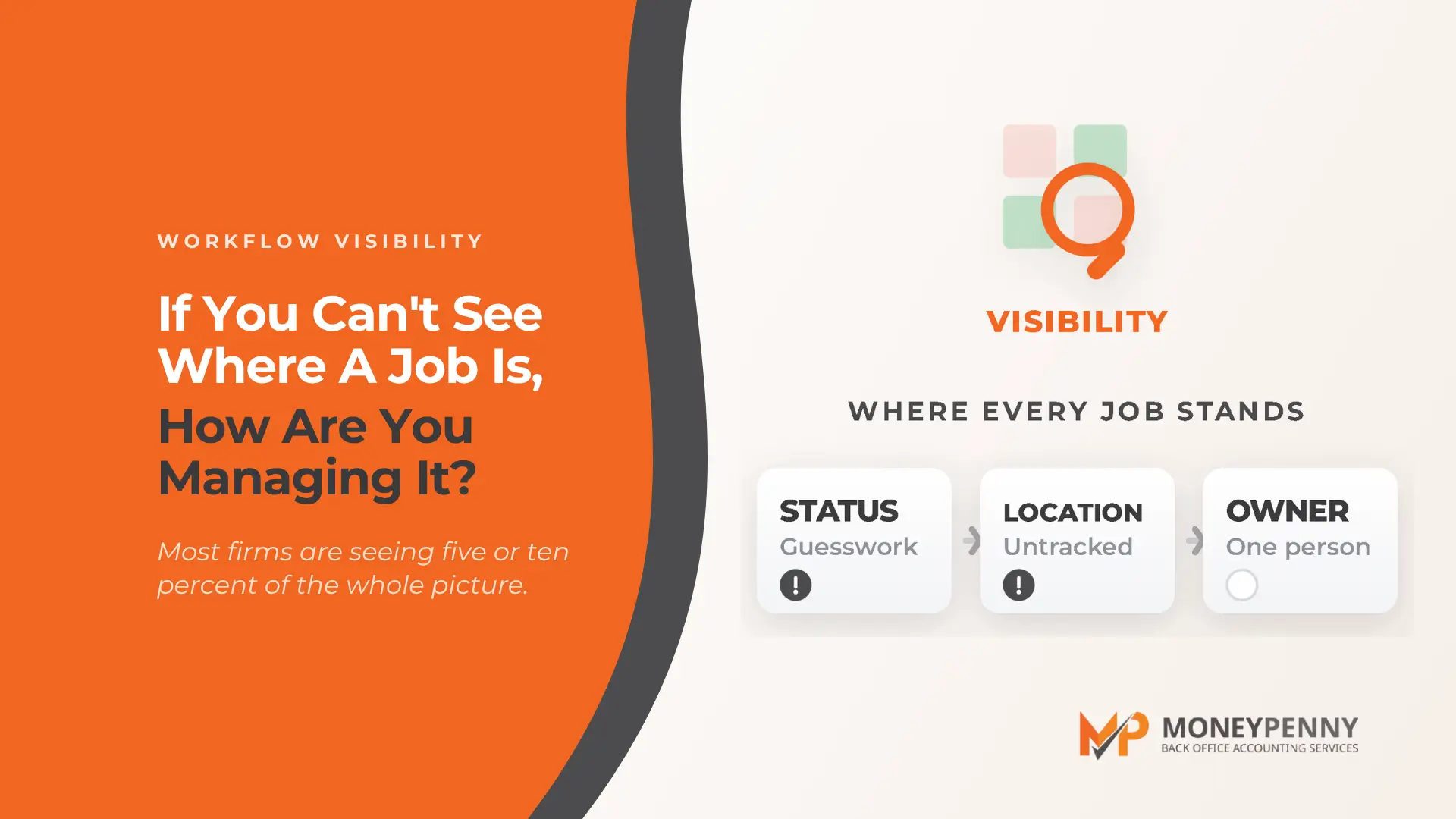
Workflow is not the software you bought. It is whether you can see where every job is, right now, without asking anyone. That is the whole game, and most firms are getting five or ten percent of it.
What is a status point, and why does it change everything?
Here is the idea that makes a workflow actually work. Every job, whether it is a five-day project or a same-day task, sits at a visible status that anyone can see: awaiting information, ready, in progress, question, in review, completed.
That sounds almost too simple to matter. It is the opposite. When a job is “awaiting information,” everyone knows it is parked because a document is missing, not because someone forgot it. When it moves to “ready,” the documents are all there and it is waiting to be picked up. When it is “in progress,” the team knows it is being worked and no one needs to chase it. When a question comes up that blocks the next step, it goes to “question” and the client can see exactly what it is waiting on.
The magic is not in any one status. It is that the status is visible to everyone, all the time. A job’s position in the process is a fact on a screen, not something living in one person’s inbox.
Why does “monthly close” hide a dozen tasks inside it?
One reason spreadsheets fail is that they flatten everything into a single line. “Monthly close” becomes one row that goes from red to green. But monthly close is not a task. It is a process with a checklist inside it.
Did you reconcile the bank and the credit card? Yes, but did you also verify the payroll matches? Did you confirm the accounts payable is reconciled to the month? The accounts receivable? If this is a sales-tax client who collects monthly, did you check that too?
A good workflow puts that checklist inside the task, so the person doing the work confirms each step rather than trusting memory. And the reason to build the checklist is not that your people are not smart. It is that sooner or later you will bring someone new on board, and a checklist is the difference between them doing it right on day one and you discovering three weeks later that a step has been quietly missing.
Are five people running the same tool five different ways?
Here is the trap that undoes even firms that have bought the right software. Two companies start using the exact same workflow tool. One says, “set it up the way you know works.” The other has two people with two different ideas about how the work should flow, and it becomes a mess. The team ends up asking, we did it this way today, but now this person wants it that way, and we just got in trouble for doing it the first way with someone else.
You have seen the firm version of this. A junior has to check which partner owns the file before they start, because one partner wants the trial balance run one way and another wants it run differently. That is not a workflow. That is several personal preferences wearing a workflow’s clothes.
The firms that get the benefit are the ones where everyone agreed on one way of doing it, sat down together, and set the tool up once. It is not glamorous, and it takes a concentrated block of time from someone who owns it. But it is the difference between a tool that saves hours and a tool that quietly creates them.
What does a good workflow actually give you back?
Three things, and none of them is the obvious one.
The first is that crisis goes away. Not reduces, goes away. When a firm finally starts using its workflow properly, the panicked messages stop, the “this got missed” moments stop, and the supervisor is no longer spending hours writing reports on where everything stands. That time was always being spent. It was just invisible.
The second is priority that means something. If everything is high priority, nothing is. The firms that run well keep most work at medium or low, precisely so that when something genuinely urgent lands, moving it to high actually changes what happens. Start low, and you have room to escalate.
The third is that the firm stops depending on one person’s memory. When work is visible, the person who comes in each morning can see where everything is and catch anything that slipped. And when someone is out, because people get sick and children get sick, their jobs do not vanish with them. Someone else can see exactly where the work is and pick it up mid-stride.
The part worth stealing: workflow as something you sell
There is a bigger idea hiding in all of this. The ability to see where work is does not just matter inside an accounting firm. It matters in any business with more than a few people and more than a few jobs in flight.
Plenty of business owners are drowning for exactly this reason: they cannot see where all their people are in any given job, but they are the ones who have to report on it. Being able to walk a client through what a good workflow looks like, help them find the gaps where they are losing control, and point them toward the right tool, is a genuinely valuable conversation. You do not even have to install anything. Defining the need is the value. And it is a far nicer conversation to have with a client than “where is my work?”
Where to start if your workflow tool is mostly unused
If you are getting a fraction of what your workflow tool can do, the honest first step is not a feature you are missing. It is a conversation.
Bring everyone who touches the work to the table and ask where they think the work gets stuck. Make it something the team shapes, not something imposed on them, because a workflow the team helped design is a workflow the team will actually use. Then give one person the concentrated time to build it, because it does take a focused block, a few hours across a few days, not something squeezed between other work. And lean on your software provider: most of them have templates and a community who have solved this before, so you are not reinventing the wheel.
When it is done right, it is genuinely beautiful. There is no crisis. And now, before another year-end and another busy season arrives, is the right time to build it and test it properly.
If it would help to have someone who has seen the good, the bad and the ugly of workflow help you define what to look for and where your gaps are, that is a conversation we have with firms all the time, and the kind of thing a good back-office team can walk you through.
For more on building a better accounting practice, MoneyPenny hosts Beyond Numbers, a podcast of practical conversations on capacity, workflow, pricing, technology and the realities of running a firm. Watch on YouTube, or listen on Apple or Spotify.